

Seamless CRM Integration
Connect HubSpot and Salesforce for automatic contact syncing.
Backchannels integrates directly with HubSpot and Salesforce so every unlocked buyer can flow into your CRM without manual work. Import contacts, avoid duplicates with smart matching, map fields to your schema, and track sync history for confidence and auditability. The result: cleaner CRM data, faster execution, and better alignment across your GTM teams. CRM sync is included on the Starter plan and above.
Native integrations - no middleware, no brittle workflows.
Secure, reliable connections designed for GTM teams.
Connect your CRM once and Backchannels becomes part of your operating system. Buyers you unlock can be exported automatically, keeping records consistent and reducing the friction between discovery and execution.
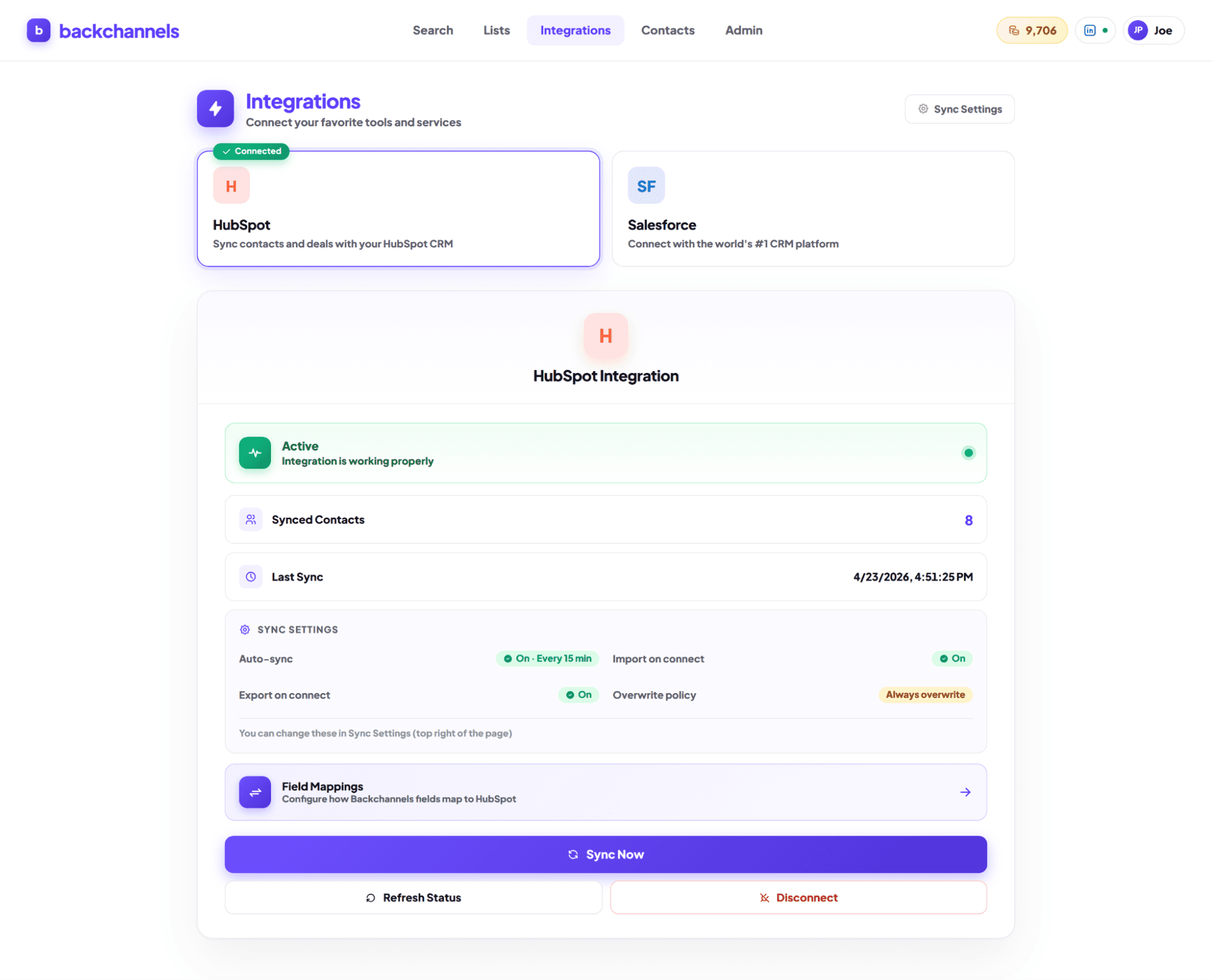
Turn buyer discovery into CRM-ready leads instantly.
Unlock → Sync → Work the lead. No copy/paste.
Every time you unlock a buyer, Backchannels can push the record into your CRM automatically. This keeps your reps moving fast and ensures marketing and RevOps can track outcomes without chasing spreadsheets.
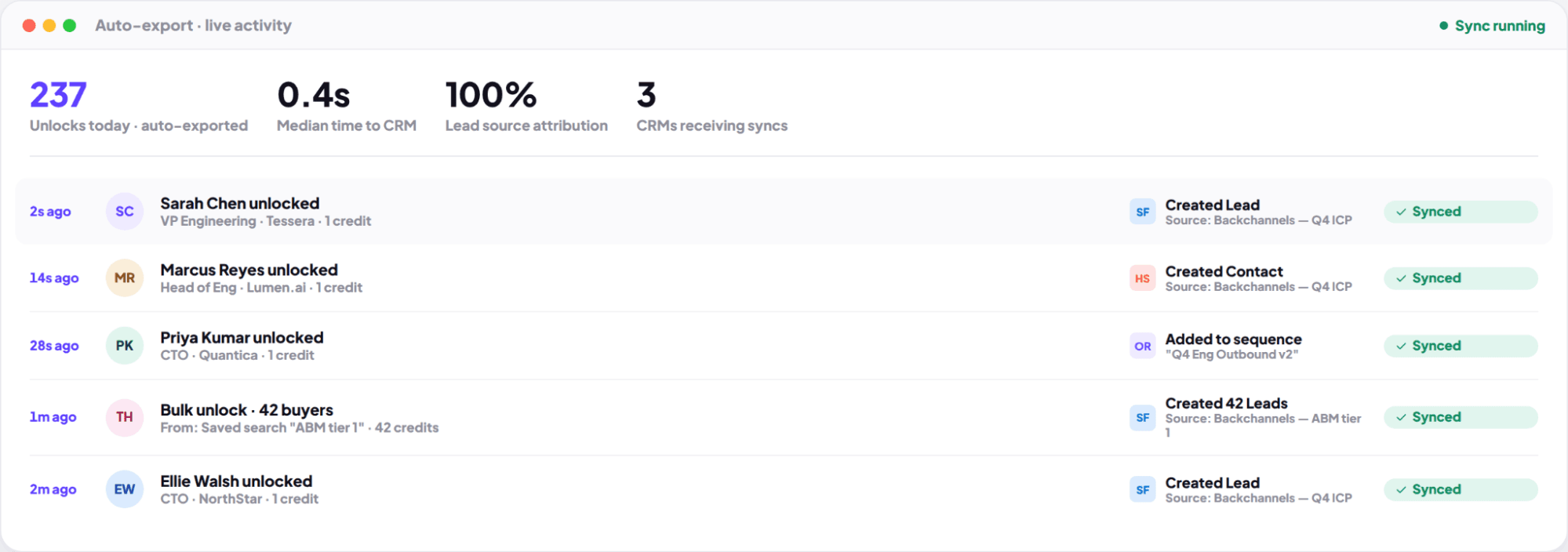
Know what’s already in your CRM - and only add what matters.
Protect pipeline hygiene and reduce noise.
Backchannels helps you avoid duplicating records by matching against what your CRM already contains. You can filter out existing contacts and focus on net-new buyers, keeping sales workflows clean and reporting trustworthy.
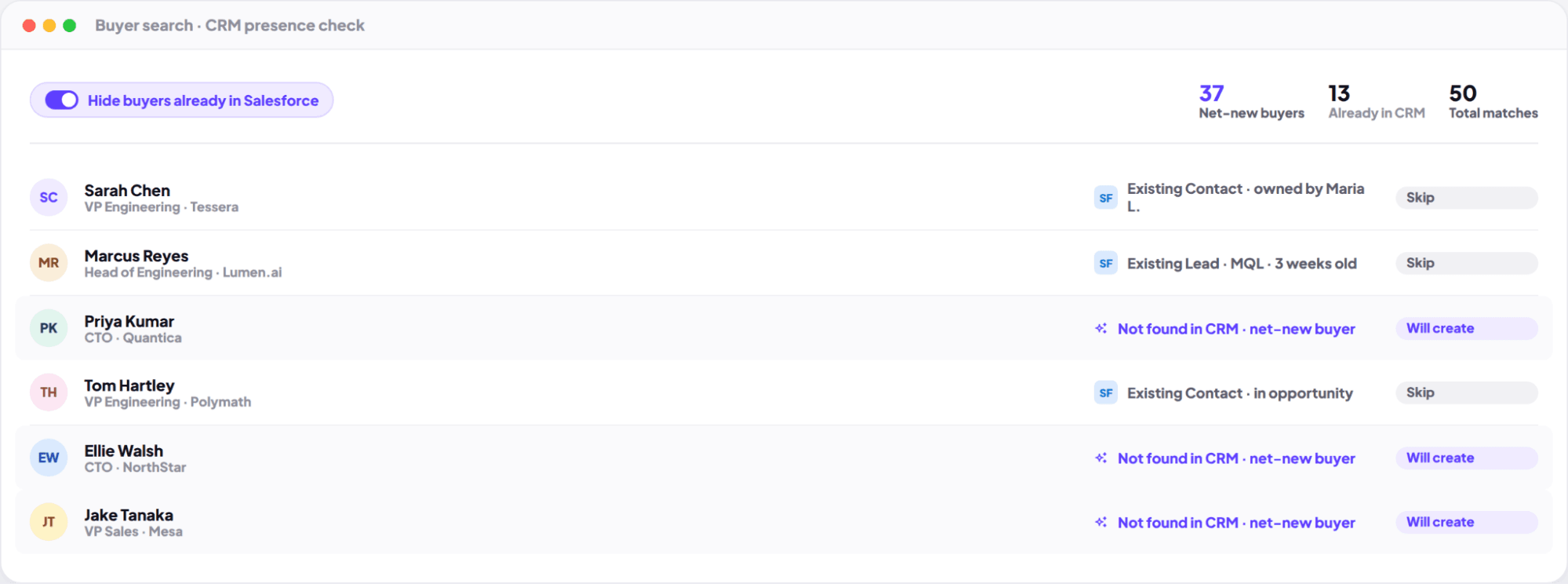
Map Backchannels data to your CRM schema.
Fit your lifecycle stages, custom properties, and workflows.
Every team has different CRM conventions. Use configurable field mapping so titles, functions, sources, and enrichment fields land exactly where your process expects - enabling automation, segmentation, and attribution without manual cleanup.
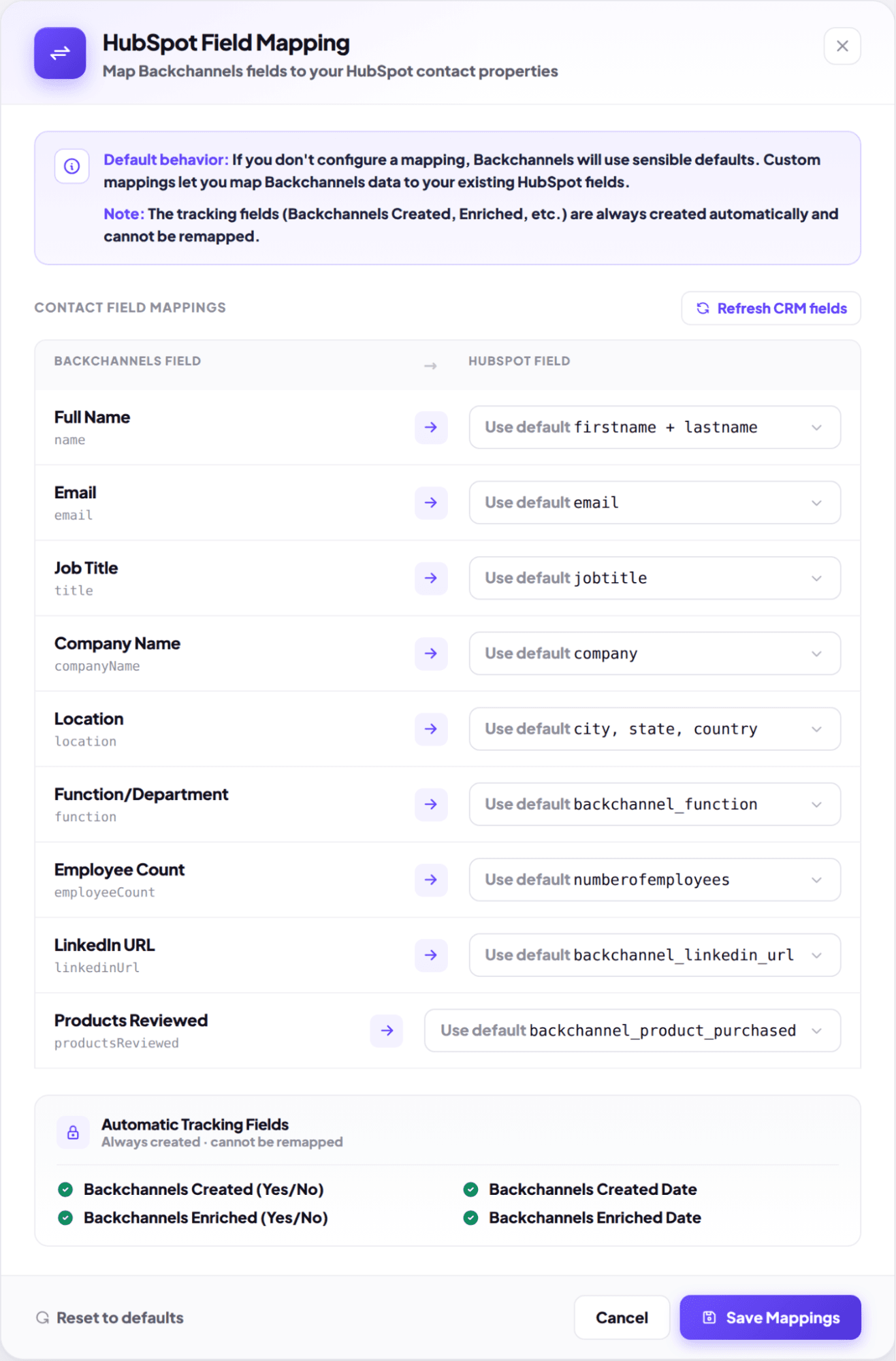
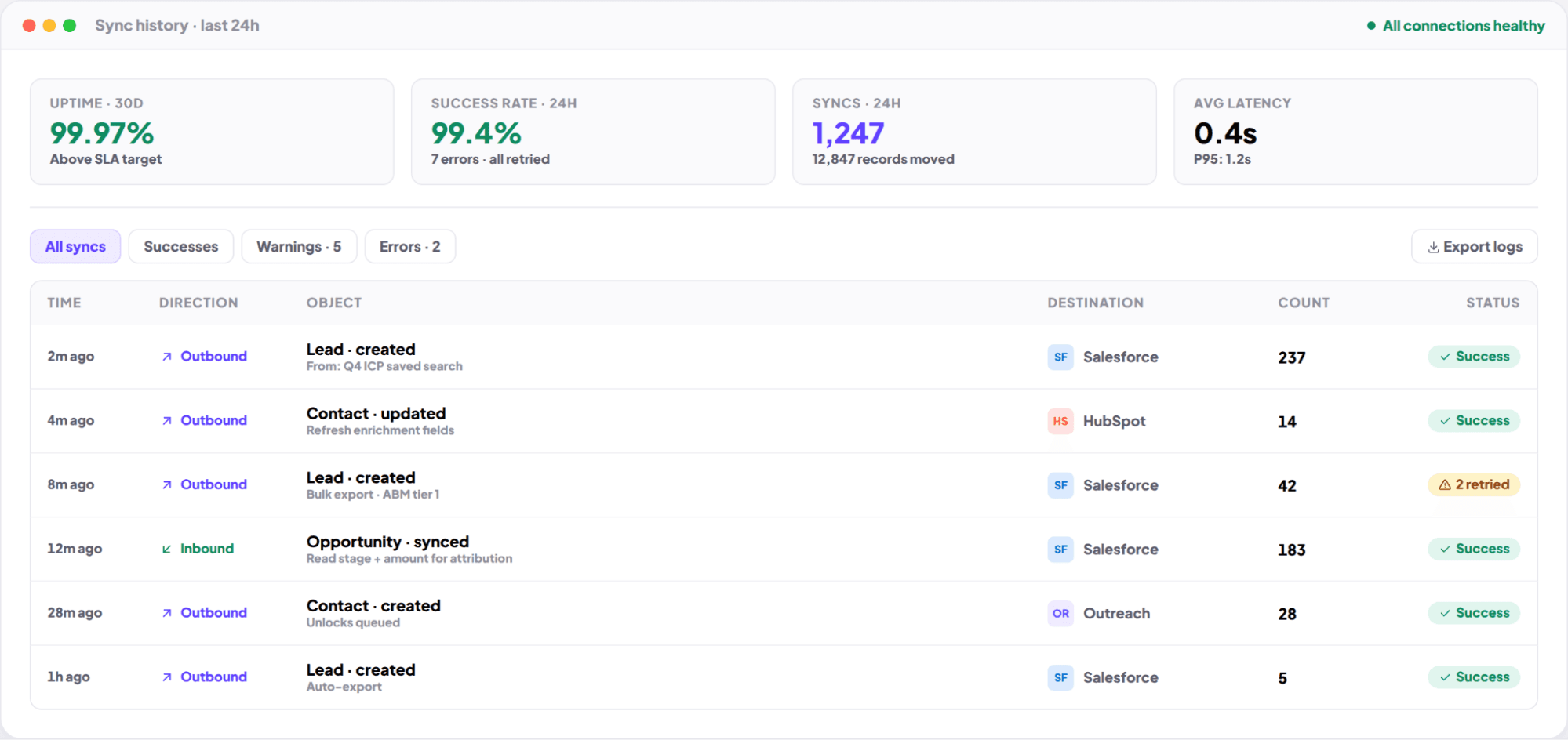
Sync history, error handling, and recovery.
Operations-grade integration that doesn’t break silently.
Track what synced, when, and why. Backchannels is designed to make integrations dependable - with visibility into sync results and clear paths to recover from common issues.
What’s Included
Native sync designed for fast buyer activation and clean CRM hygiene.
Export buyers with consistent enrichment and attribution fields.
Filter out existing records and focus on net-new buyers.
Why Backchannels vs. Traditional Tools?
Keep your CRM clean - and your team moving fast.
Connect HubSpot or Salesforce on the Starter plan and above, and automatically sync verified buyers into your workflow with consistent data and better attribution.