

Custom Contact Lists
Organize your contacts exactly how your team works.
Lists are where targeting becomes execution. Create unlimited lists to organize buyers from unlocked leads, CRM imports. Segment by persona, ICP, intent, territory, product interest, or campaign - then export or sync the right audience to your stack. Share lists with your team, apply bulk actions, and keep outreach focused.
Turn buyer discovery into repeatable segments.
Lists keep outreach focused - and campaigns consistent.
Instead of exporting random batches, build clear segments your team can reuse: 'SaaS Finance leaders in NA', 'High-growth engineering orgs', or 'In-market buyers for X product category'. Lists let you move from discovery to execution without losing context.
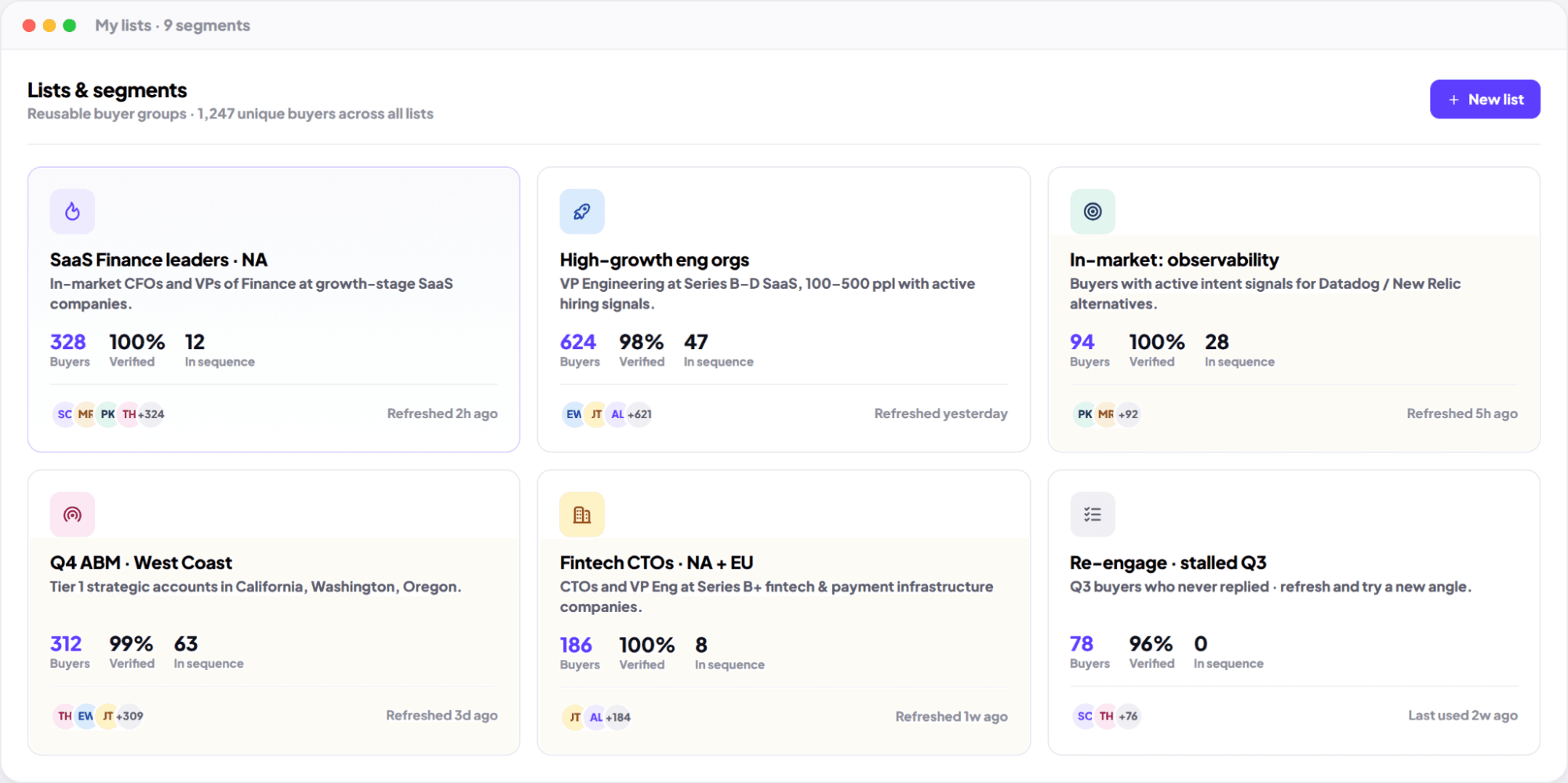
Combine contacts from Backchannels, your CRM, and imports.
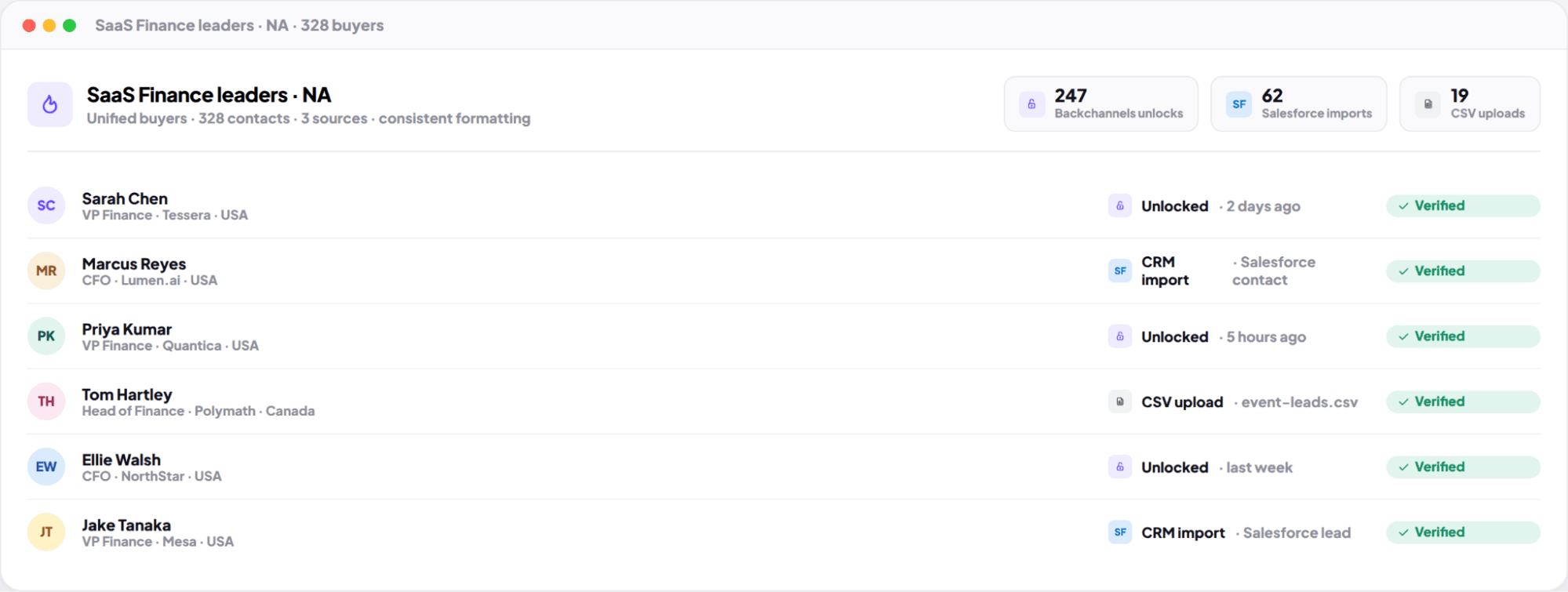
One place to manage the buyers that matter.
Bring together unlocked buyers, CRM contacts, and uploaded lists - then organize them with the same structure. This helps teams avoid fragmented targeting and keeps handoffs cleaner between marketing, sales, and operations.
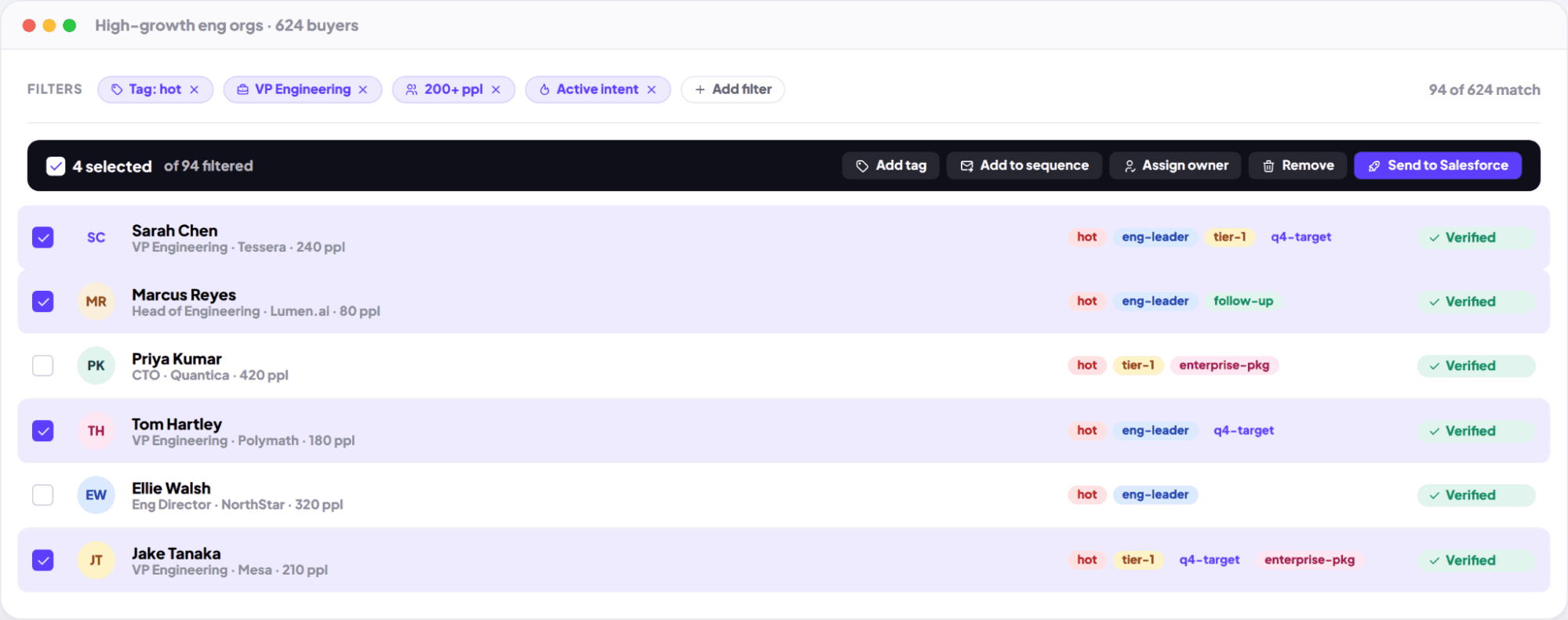
Create lists that stay clean as you scale.
Less manual maintenance, more confident execution.
Use filters, tags, and bulk actions to keep lists tidy. Build campaign-ready groups and refine them as you learn what converts - without redoing your work every week.
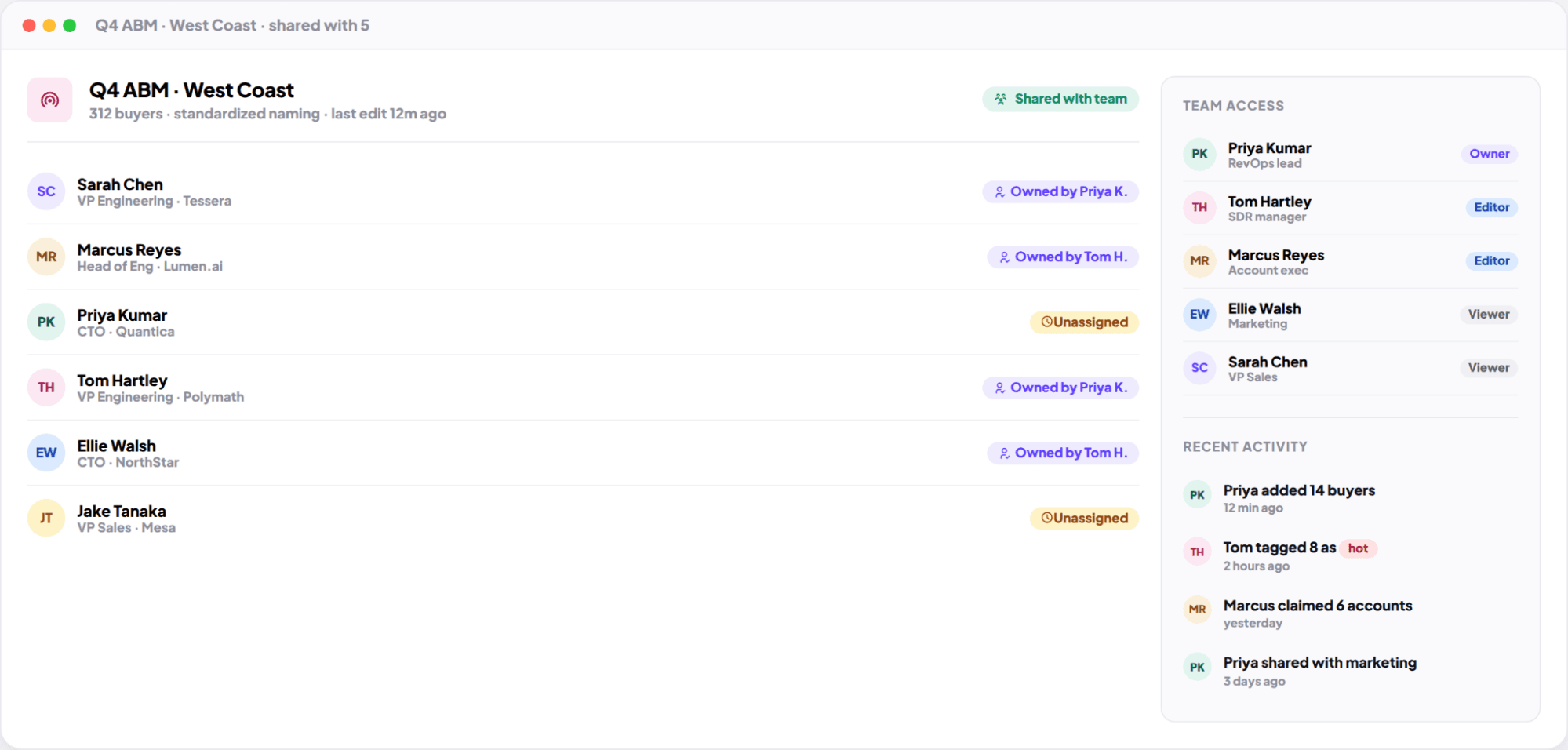
Share lists and coordinate prospecting across your team.
Keep everyone aligned on who you're targeting - and why.
Share lists with teammates to collaborate on campaigns, territories, or account coverage. Lists become a shared source of truth for what's in play, what's next, and what's already being worked.
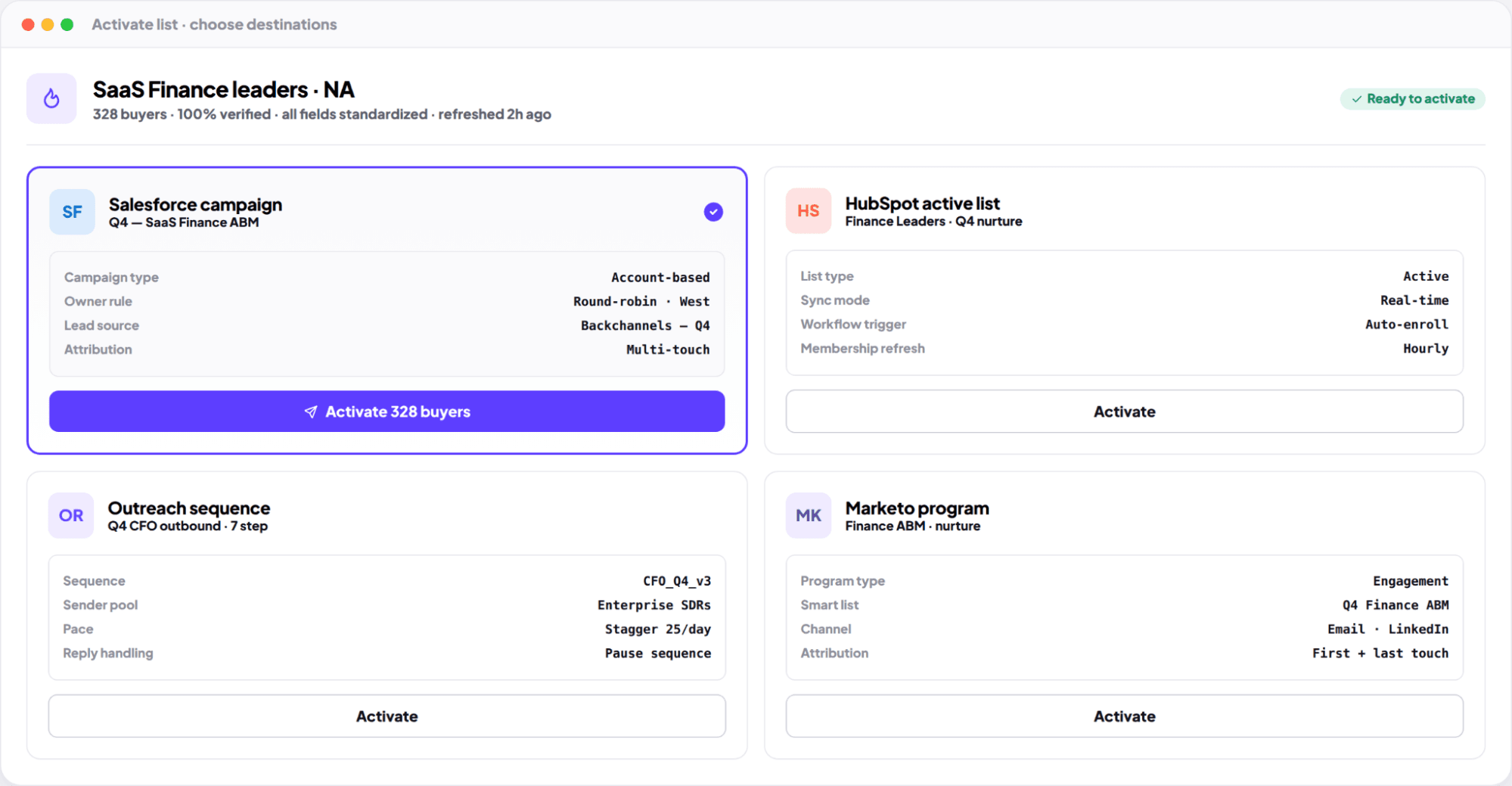
Export or sync lists to your tools in one click.
From list → workflow, without friction.
Export lists into your CRM to start sequences, campaigns, and routing. Keep your GTM stack aligned with the audience you intended - and measure outcomes cleanly.
Key Benefits
Create as many segments as your GTM motion needs - no artificial limits.
Focus outreach on the right buyers with structured segments and tags.
Share lists and coordinate campaigns without duplication or confusion.
Export or sync lists in one click to keep execution moving.
Why Backchannels vs. Traditional Tools?
Make targeting repeatable - and execution faster.
Build campaign-ready segments, share them across your team, and activate your buyer lists instantly.